You haven't uploaded a 3D model yet
Upload a STL- or OBJ file to start. You can do that below, via project + → Add file to the sidebar, or to drag a file to the 3D plane (even if a model is already open).
FAQ New to 3D printing or this calculator? Start here.
- Beginner.
- Basic knowledge.
- Expert.
Switch mode from the viewer panel to the bottom left (tab Mode) once you have loaded a model.
Click here or drag a STL/OBJ here
Demo 3D models
Choose an example model. Then click on Slice for the price.
AI Help experimental
Use your own AI chat (ChatGPT, Claude, etc.) Convenient if you don't want to wait for help from an employee.
We share some data from the price calculator but no personal data and not even your 3D file.
Your AI conversation can suggest the available materials and see if the print price makes sense, the AI can also perform the slice for you and set it up in your shopping cart.
If you share the link, then that AI like chatgpt gets temporary API access to this project.
Again: No customer data and no 3D models are shared, mainly only our available printsettings and our knowledge. The AI can work this out for you right away.
Session ID: —
Wave to us!
This function is almost finished! And we're secretly curious about your interest. Press Wave! and let the team know you want to say hello.
An employee can already wave back; You can see that happening here. In the production room there is currently no hand waving but there are lights already blinking and music is being played. Up to once every 10 minutes.
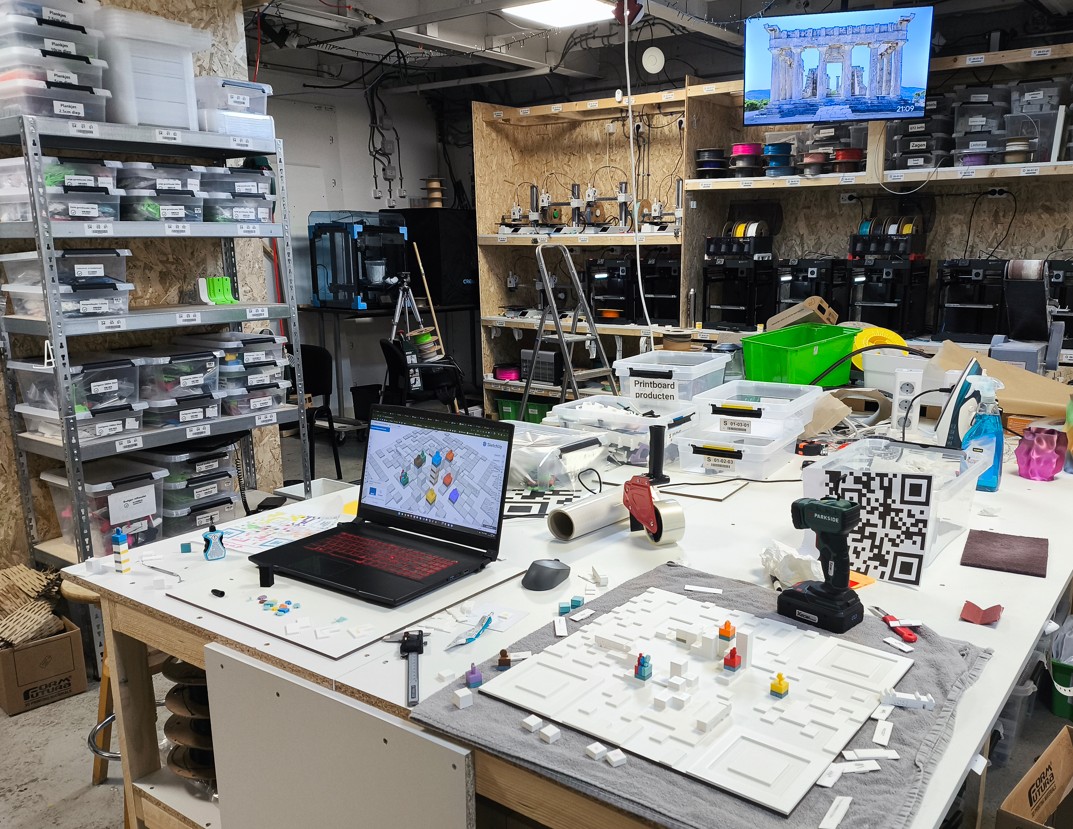
Someone is waving back!
The team in the production room says hello!
Thanks for saying hi.
Choose how much control you want over print settings.
Prusa threshold: walls steeper than X° (higher X → more support). Green = wall > threshold · Orange = wall with support off.
Tip: Turn the model, choose plane → bottom, or turn on support when many planes are red.
Click on the canvas to set point A and B; the distance appears below. Clear with the cross.
Distance follows the scale of the model in the viewer. For scale and rotation: tab Rotate in the viewer panel.
Disabled for this file: you adjusted the rotation manually. or use Reset all.
Scale and rotation are stored at Slice (STL/OBJ). Multiple changes? One slice always uses the last mode.
Gizmo on the model; / appear after a change.
This file is a local export of what you see. For rotation/scale on the server, press Slice (the current orientation will then be saved and sliced).
Preparing 3D Display...
Just a moment...
Choose calculator mode
Choose how much control you want over print settings.
Beginner
Get started quickly with a print preference and material.
- You choose a print preference (preset) and the material.
- We fill in quality, infill and advanced options.
- Suitable if you prefer to make fewer technical choices.
Basic knowledge
Standard mode with full control.
- Choose material, quality, infill and support yourself.
- Advanced options (walls, solid layers) available.
- Ideal if you know what you want to fine-tune.
Expert Coming soon
Maximum control — available later.
- Configure hundreds of print settings yourself.
- For advanced users and special prints.
- Not selectable in this version yet.
Beginner mode
You tell us your preference and the material.
In beginner mode, choose a print preference (e.g. extra strong, nicer appearance) or budget) and the material. We fill in the technical settings automatically based on that preference.
Print Preferences
We offer multiple presets, each with a different use. Choose what fits best Your use:
- Sterkte - For functional parts that need to withstand force.
- Uiterlijk / kwaliteit - for cleaner surfaces and finer details.
- Budget a more cheap solution for simple prints.
What does this mean for you?
- You don't see any quality, infill or advanced options. - This makes it easier for you.
- The price indication is based on your preference plus material choice.
- Do you want to set everything yourself? Switch to Basic knowledge via Mode.
checked by an employee
An employee always checks your model before production. It can be approved, rejected, or an alternative is suggested (cheaper or more expensive). Is it more expensive than expected? Then you can always cancel the order .
Special wishes or higher demands?
Although this mode generally works well, it is in specific requirements (extra strong, fine details, special finish, large series with tight tolerances) better to contact us or to take more control yourself.
- Basic knowledge — Choose in the view panel down below Mode for full control over quality, filling and advanced options.
- Contact — When in doubt send us a message or request a quote before you order.
Choose Print Preference
Choose a preset based on what is most important to you: strength, appearance or budget.
Presets loading...
Select Material
Kies het materiaal dat het beste bij jouw print past. Alleen compatibele opties worden getoond.
Quality (Layer height)
De laagdikte heeft een grote impact op de printtijd, kosten en kwaliteit. Een fijne laagdikte is goed voor kleinere decoratieve prints of als je deze nog wilt gaan verven (verven versterkt de zichtbaarheid van de lagen). De onderstaande afbeeldingen zijn klikbaar en gemaakt met een microscoop, hoewel de verschillen met het blote oog ook zichtbaar zijn. Als de sterkte belangrijk is, is een grovere laagdikte over het algemeen veel sterker. Het verschil in printtijd: 0,08 mm duurt ruim 3× langer per printlaag dan 0,24 mm.
Infill / Strength
Kies eerst het patroon, daarna het vulpercentage. Klik op een afbeelding om te vergroten.
Support
Support beïnvloedt prijs en nabewerking.
Slice Results
Indicatief op basis van G-code-analyse; kan afwijken van de slicer-GUI (acceleratie, jerk).
Geavanceerde instellingen
Support, wanden, top/bottom, ironing en extra afwerking.
Status & activiteit
Algemene voortgang voor dit model. Geen technische foutcodes of persoonsgegevens.
Onder andere slicer en printinstellingen. Toekomstige controles (zoals mesh) verschijnen hier automatisch.
Nog geen meldingen voor dit model.
Status & controles
Elke stip is een controle op je model. Rood blokkeert de winkelwagen tot het is opgelost. Oranje is een waarschuwing — je kunt meestal verder. Groen is in orde.
Slicer-verbinding
Status: —
Wat kun je doen? —
Bestand op de server
Status: —
Wat kun je doen? —
Modelanalyse (mesh)
Status: —
Wat kun je doen? —
Extra controle
Status: —
Wat kun je doen? —
Slice-status
Status: —
Wat kun je doen? —
Afbeelding
Your work session
This is your personal access code for this session. With this you can find your models and calculations on another device, or share the link with someone else so they can continue to work.
Atmosphere View
Upload file
Drag files here
or click to select files
Is het een redelijke prijs?
We proberen onze prijsberekening zo voordelig mogelijk te maken. Soms kan een bijzondere combinatie of een kapot 3D-model een onrealistische prijs geven. We zijn benieuwd wat je van de prijs vindt. Ben je niet ingelogd, dan is dit volledig anoniem — en je zou ons enorm helpen om ons systeem te verbeteren.
Dit helpt ons de prijsberekening te verbeteren.